|
Use Admin Console
2017/12/13 |
|
Cockpit Admin Console is installed and starts by default if you installed [Fedora Server] group.
It's possbile to manage your Fedora server on this admin console on a web browser.
If you'd like to access to Cockpit from remote computer and if Firewalld is running on your Server,
it needs to allow service [cockpit] or allow port [9090]. (allowed them by default, though)
|
|
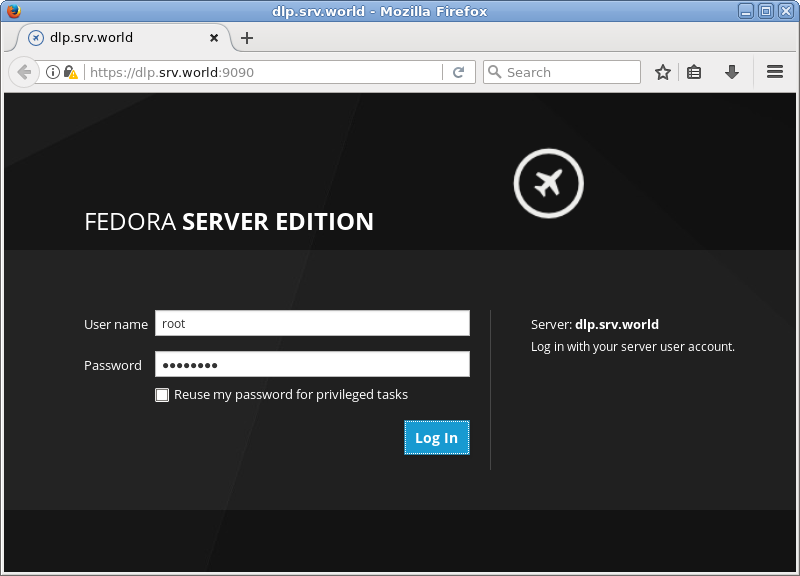
| [1] | Access to [https://(server's hostname or IP address):9090/] with Web browser from localhost or Client compuer, then Cockpit login form is displayed like follows. Login with a user. This example shows with root user like follows. |
|
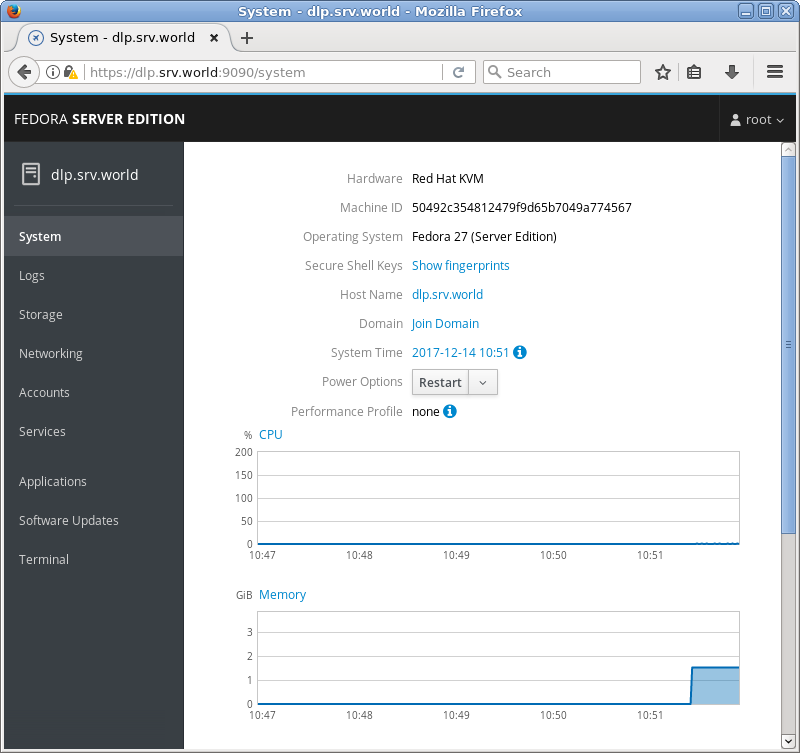
| [2] | This is Cockpit main screen. It's possible to manage many system settings on here. |
|
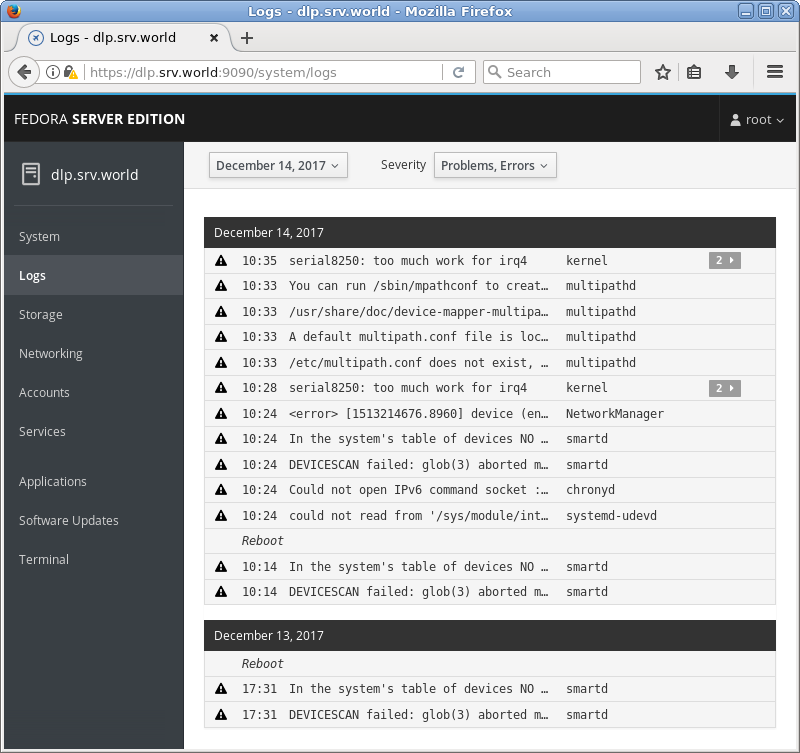
| [3] | For [Logs] on the left menu, it's possible to manage or opereate [Journal] service which is the log management tool. |
|
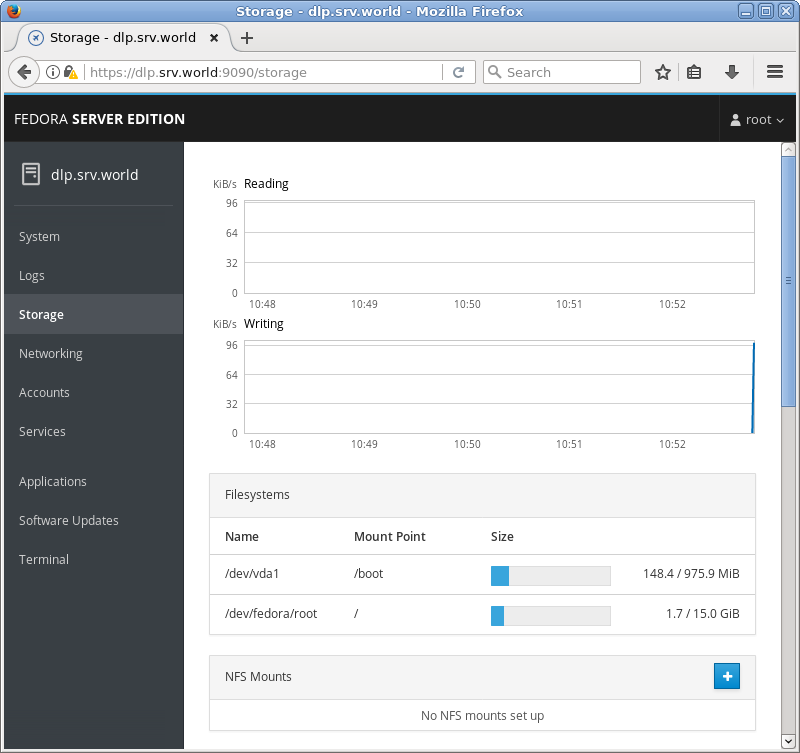
| [4] | For [Storage] on the left menu, it's possible to manage or opereate Storages. |
|
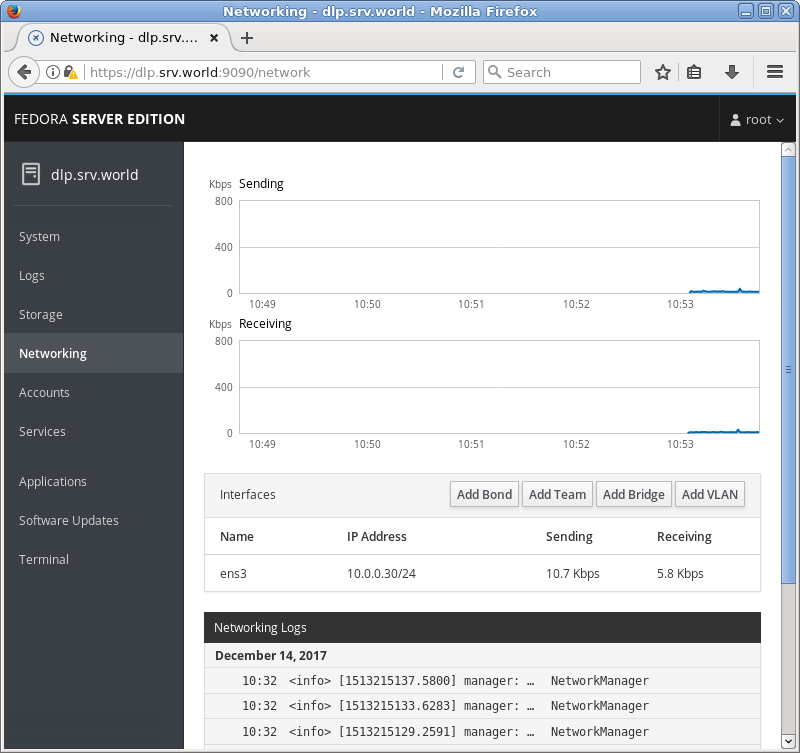
| [5] | For [Networking] on the left menu, it's possible to manage or opereate Networking. |
|
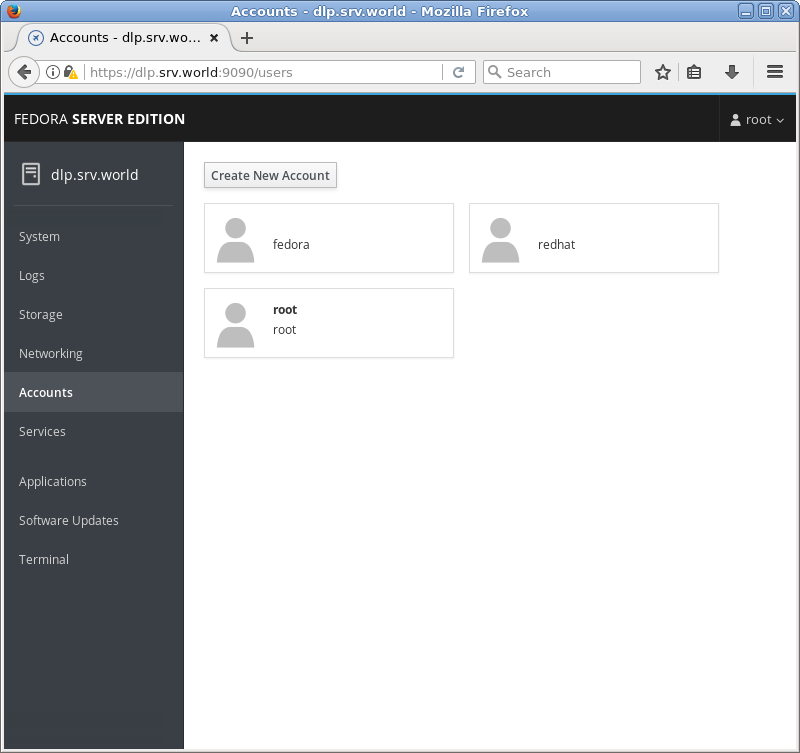
| [6] | For [Accounts] on the left menu, it's possible to manage or opereate system accounts. |
|
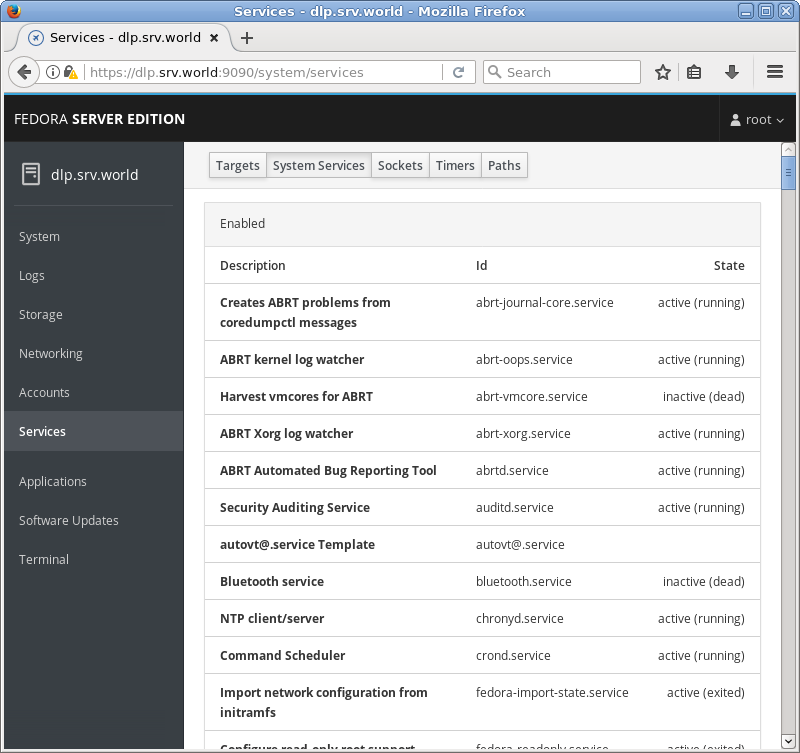
| [7] | For [Services] on the left menu, it's possible to manage or opereate system services. |
|
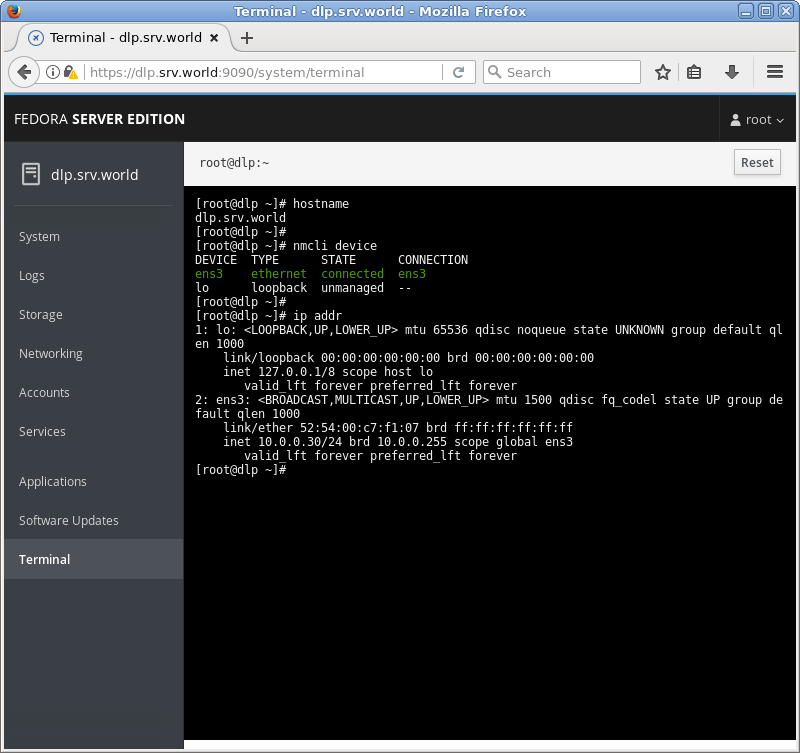
| [8] | For [Terminal] on the left menu, it's possible to opereate system with commands directly. |
|